Free tool
RFID UID Converter & Wiegand 26-bit Calculator
This free tool converts an RFID card UID between hexadecimal and decimal, reverses the byte order, and decodes Wiegand 26-bit data into facility code and card number — entirely in the browser, with nothing uploaded. It resolves the question behind most failed enrollments: the credential and the platform describe the same identifier differently.
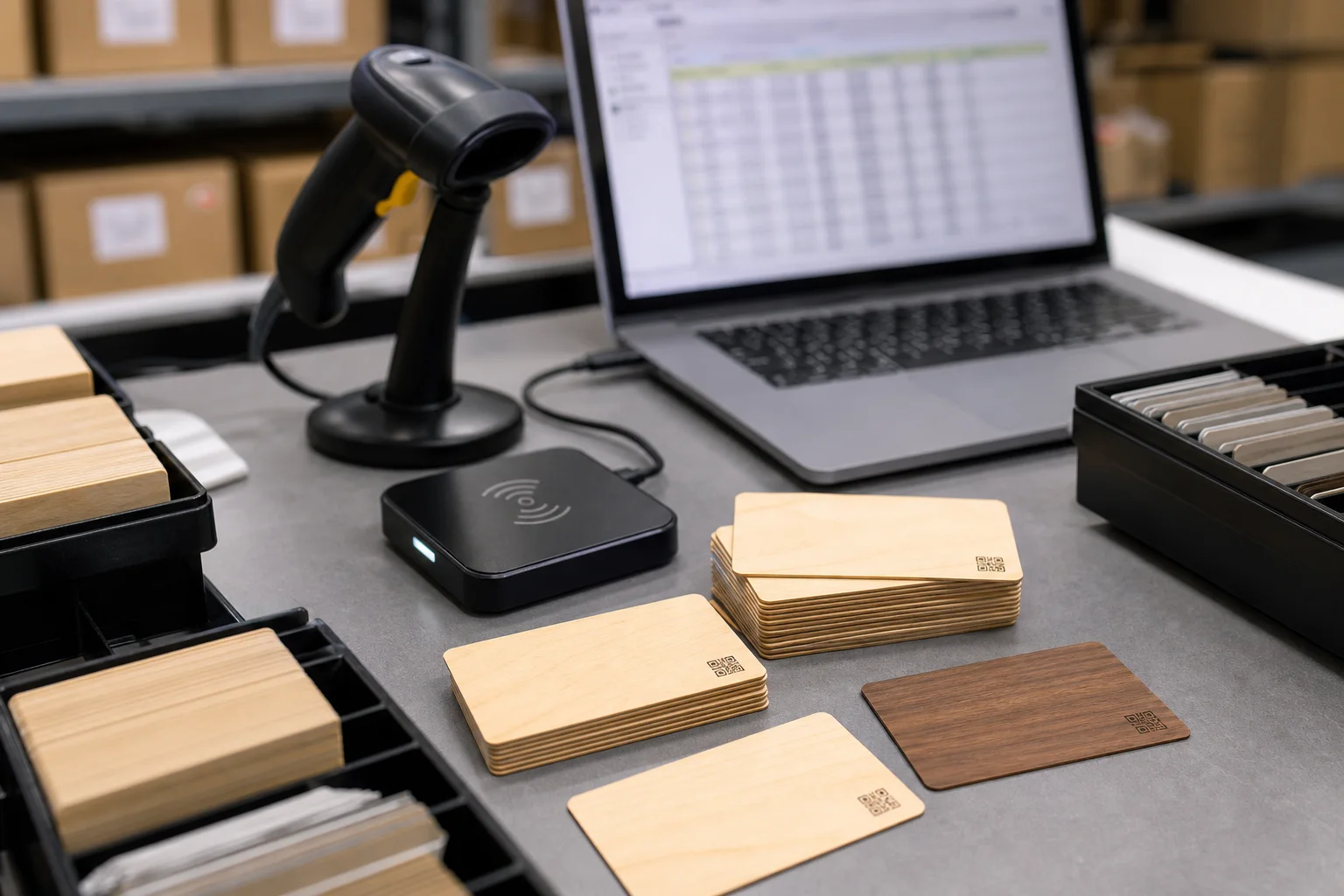
Visual references
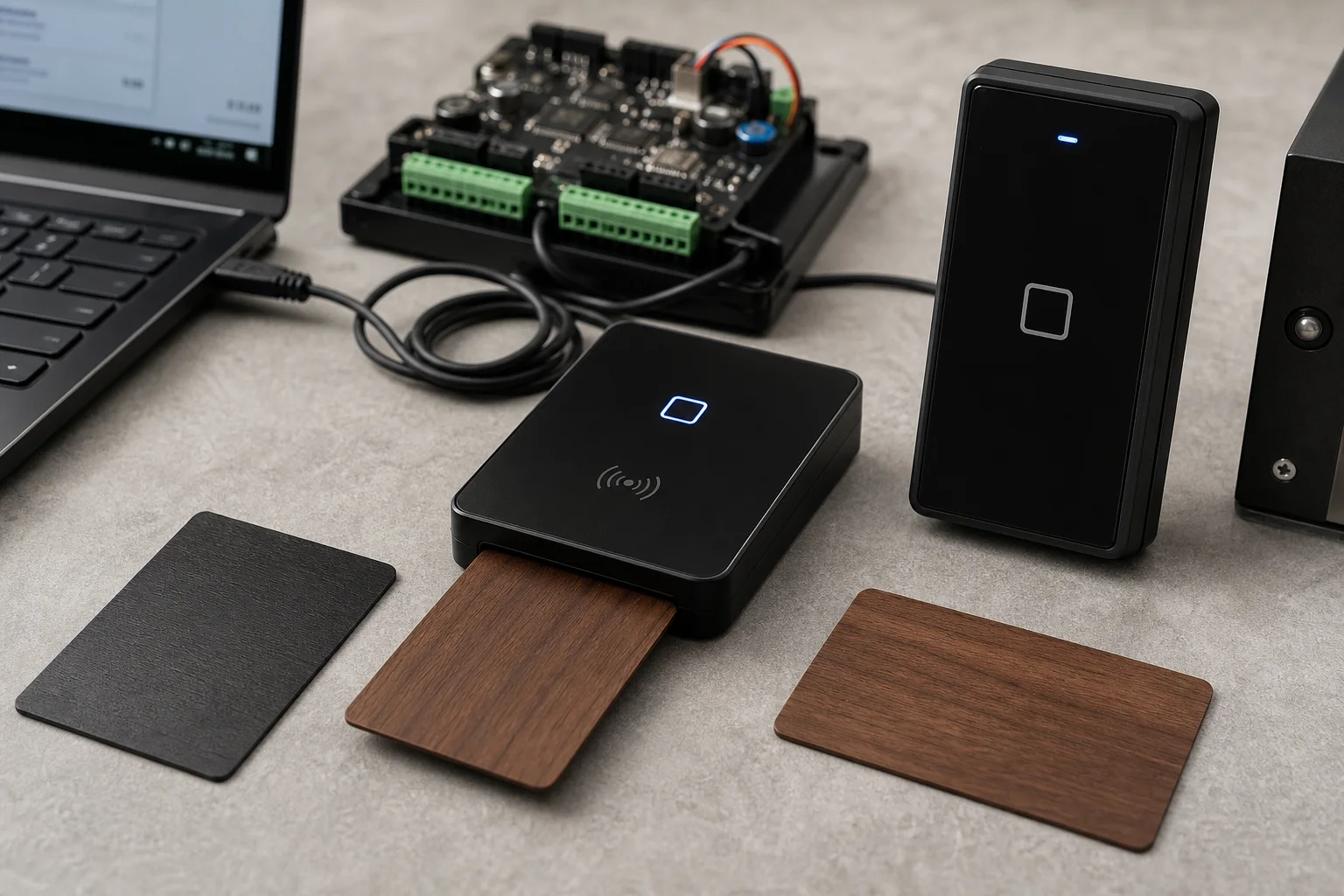
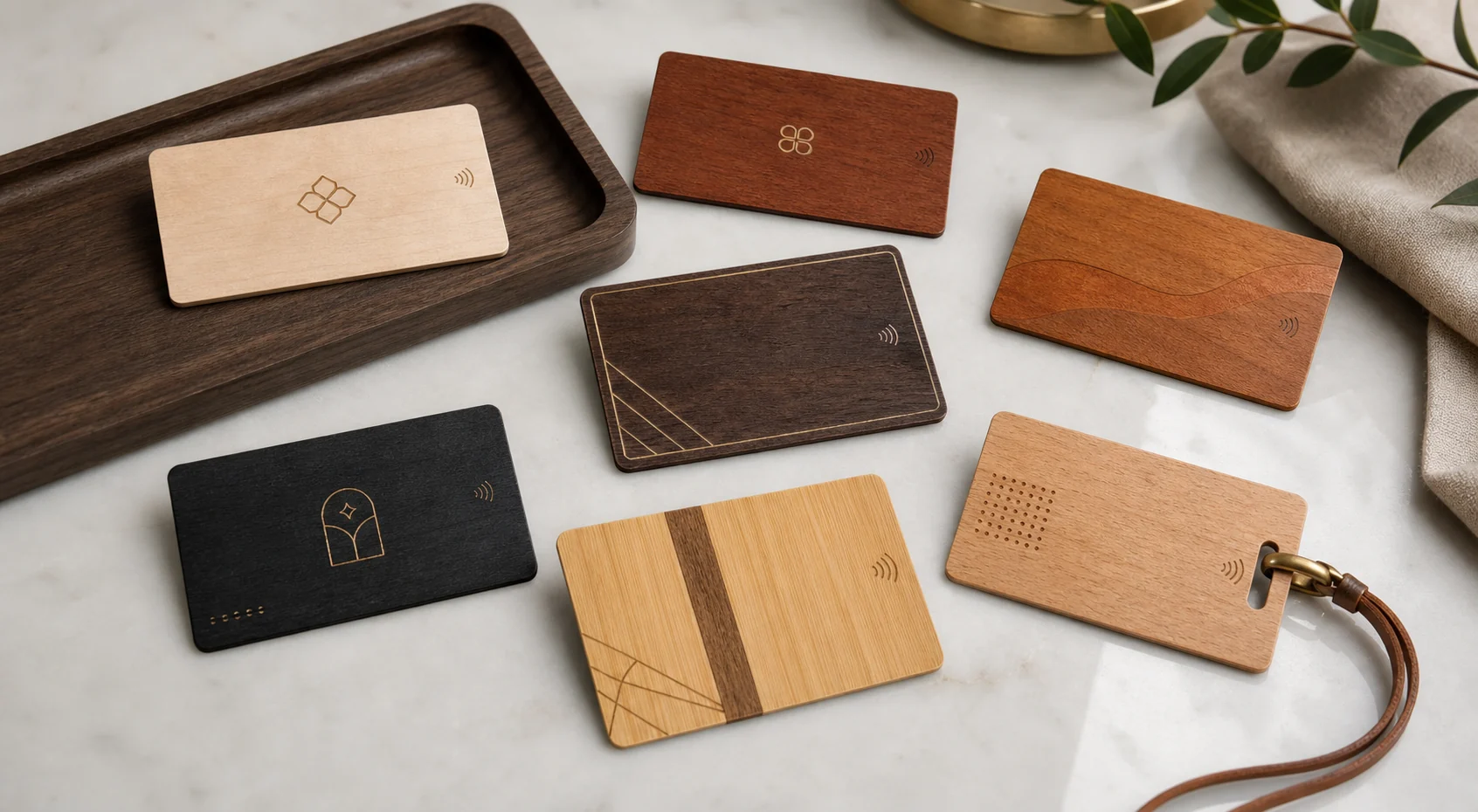
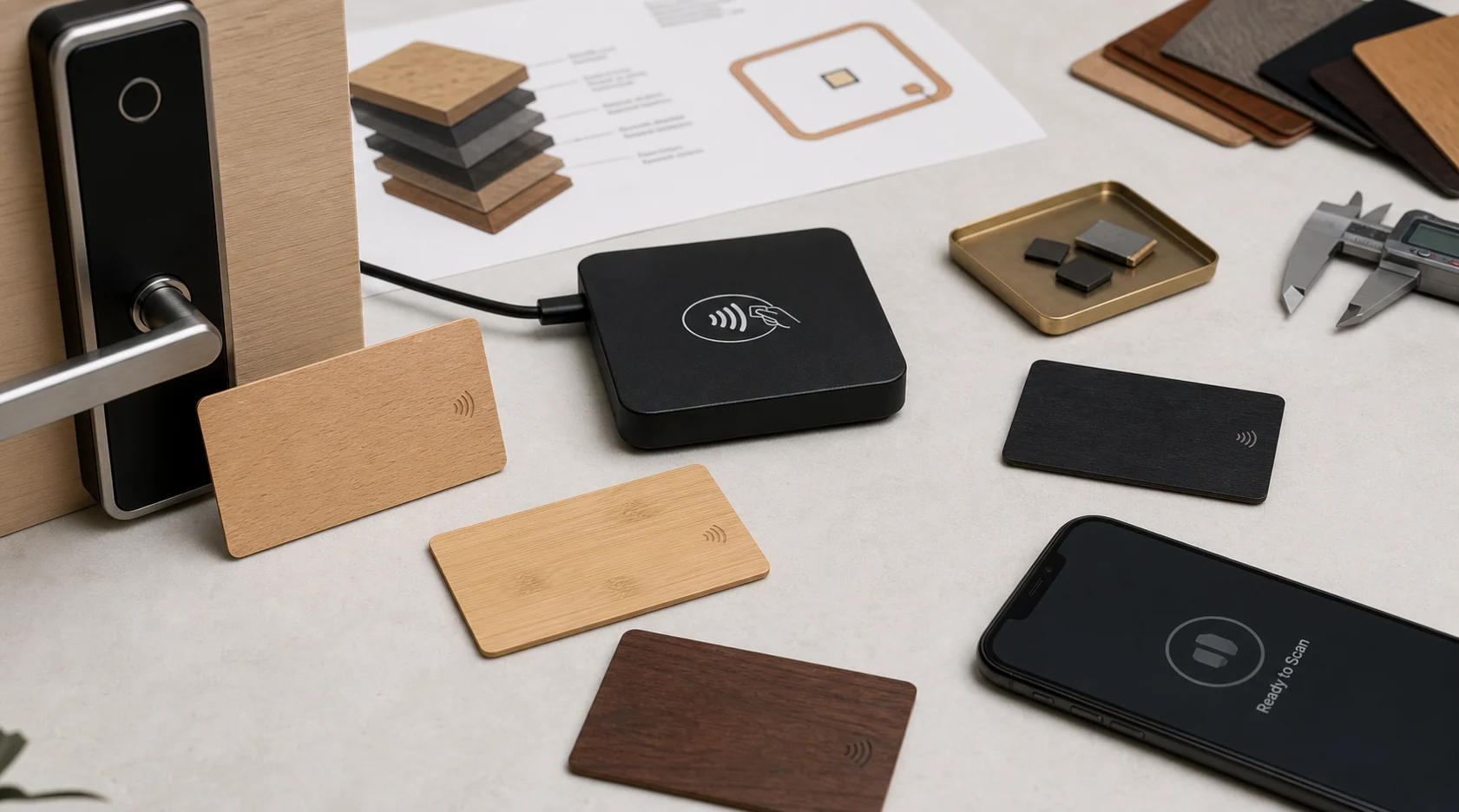
Why the same credential shows two different numbers.
Many access panels log the UID least-significant byte first, while the personalization file lists it most-significant byte first — the identical chip appears as two different values. Other platforms store the decimal form of the hexadecimal identifier, or trim leading zeros. The converter shows every representation at 4, 7 or 10 bytes, so the mismatch is identified in seconds instead of being debugged at the door.
Wiegand 26-bit: facility code and card number, checked by parity.
The classic 26-bit format carries an 8-bit facility code, a 16-bit card number and 2 parity bits. The calculator builds the full binary and hexadecimal value out of a facility code and card number, or decodes a raw value back into its components and verifies both parity bits — useful when enrolling replacement credentials into a 125 kHz system.
Check the data before cards are produced.
A wooden credential is engineered around the exact chip and encoding the installed system expects. Confirming identifier length, byte order and format on real examples first — then approving an encoded wooden card on the actual door controller or lock — prevents the most expensive failure: a finished batch the platform cannot enroll.
Best uses
- Access and hotel teams whose imported card numbers do not match what the door controller logs
- Integrators converting UID exports between hexadecimal and decimal representations
- Programs planning replacement wooden credentials that must match a Wiegand 26-bit format
Frequently asked questions
Why is the card number in my access system different from the printed UID?
Panels and platforms disagree on representation: one logs hexadecimal, another the decimal form, and many controllers reverse the byte order. Convert the printed UID with this tool and compare each representation against the platform log to see which transformation the installed chain applies.
How do I calculate a Wiegand 26-bit value out of a facility code and card number?
Enter the facility code and the card number; the calculator places the 8-bit facility code and 16-bit card number into the 24 data bits and computes both parity bits, producing the binary and hexadecimal value the controller expects.
Which UID lengths does the converter support?
Identifiers of 4, 7 and 10 bytes, entered as hexadecimal or decimal, with spaces, colons or hyphens accepted. The output shows the normalized value, the reversed byte order, the decimal form and each byte separately.
Is credential data uploaded when I use these tools?
No. Conversion and decoding run locally in the browser; identifiers are never transmitted or stored. For a full batch, the encoded wooden card tested on the installed system remains the decisive check.
Specification
| Tool functions | UID hex to decimal, byte-order reversal, byte map, Wiegand 26-bit encode and decode |
|---|---|
| Identifier lengths | 4-byte, 7-byte and 10-byte UIDs |
| Wiegand format | 26-bit: 8-bit facility code, 16-bit card number, 2 parity bits |
| Frequencies covered | 125 kHz LF formats and 13.56 MHz HF identifiers |
| Privacy | Runs in the browser; identifiers are not uploaded or stored |
| Next step | Test an encoded wooden card on the installed system before a batch is approved |
Related wood RFID card pages
- LF Wooden RFID Cards
- HF and NFC Wooden Cards
- NFC Tag Wood NFC Cards
- Entry-Level HF Wooden RFID Cards
- AES-Secured HF Wooden RFID Cards
- Standard HF Access Wooden RFID Cards
- High-Security AES Wooden RFID Cards
- UHF Wooden RFID Cards
- Programmable 125 kHz Wooden RFID Cards
- Wooden RFID Card Encoding