Dark wood contrast
White Ink Wood Cards
White ink wood cards are the cleanest way to make logos, icons, names, QR zones, and serials readable on walnut, black wood, and other darker card bodies. An opaque white layer gives dark grain the contrast it needs without making the card look like printed plastic.
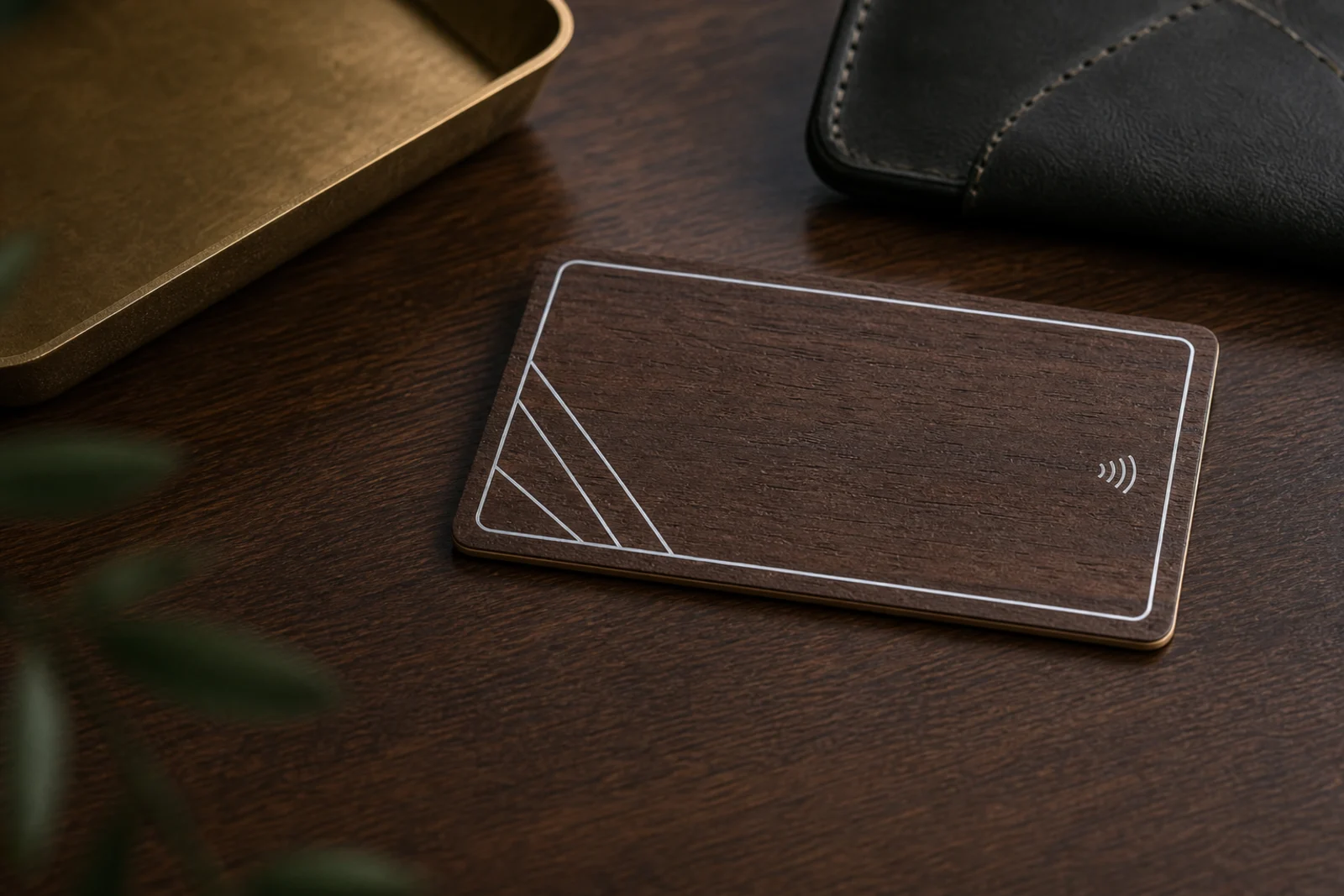
White ink gallery
Compare opaque white contrast on walnut, black wood, bamboo, beech, and sapele.
White ink is strongest when it is used as a precision layer: logos, icons, QR fields, NFC marks, and serial areas that need to stay readable on real wood.
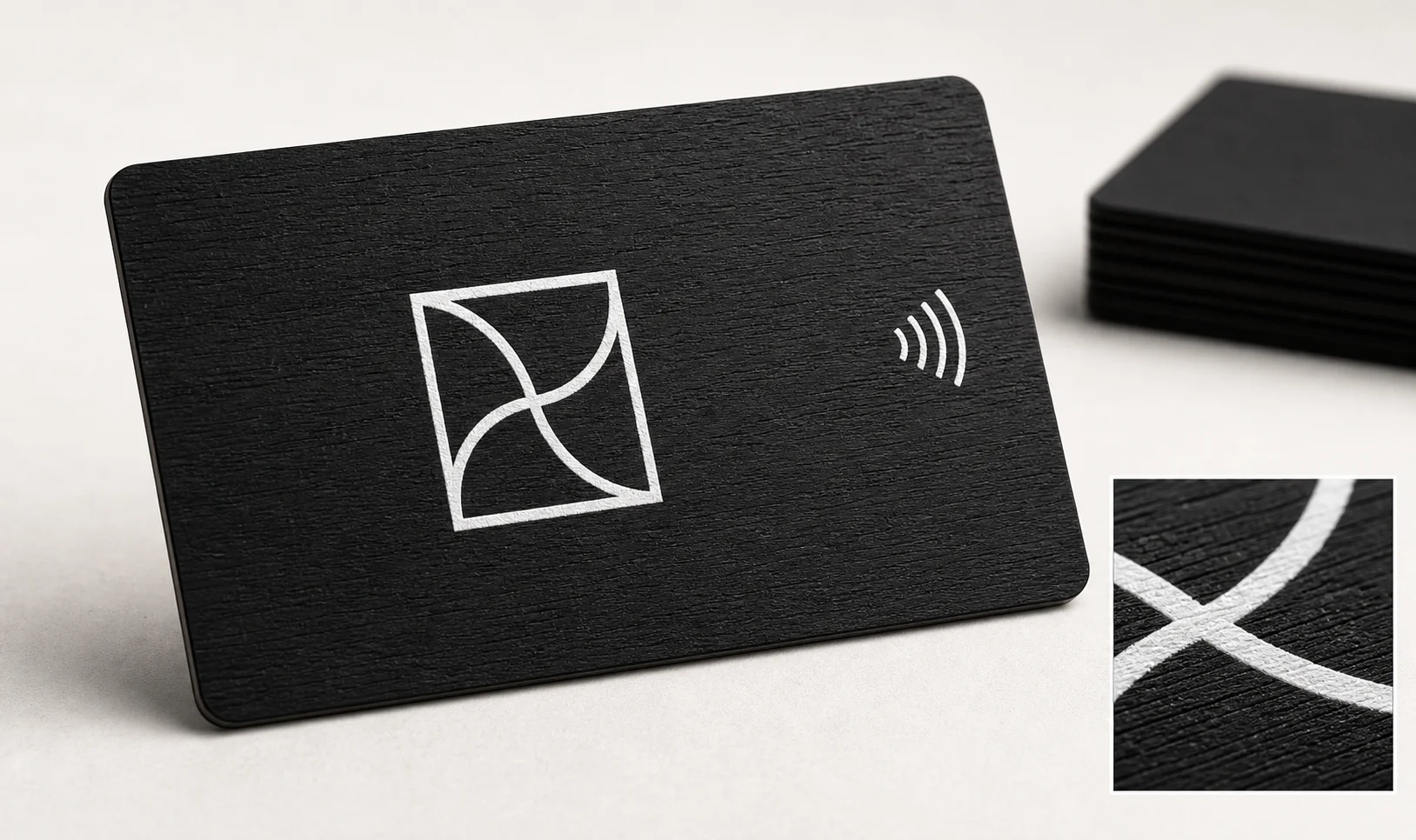
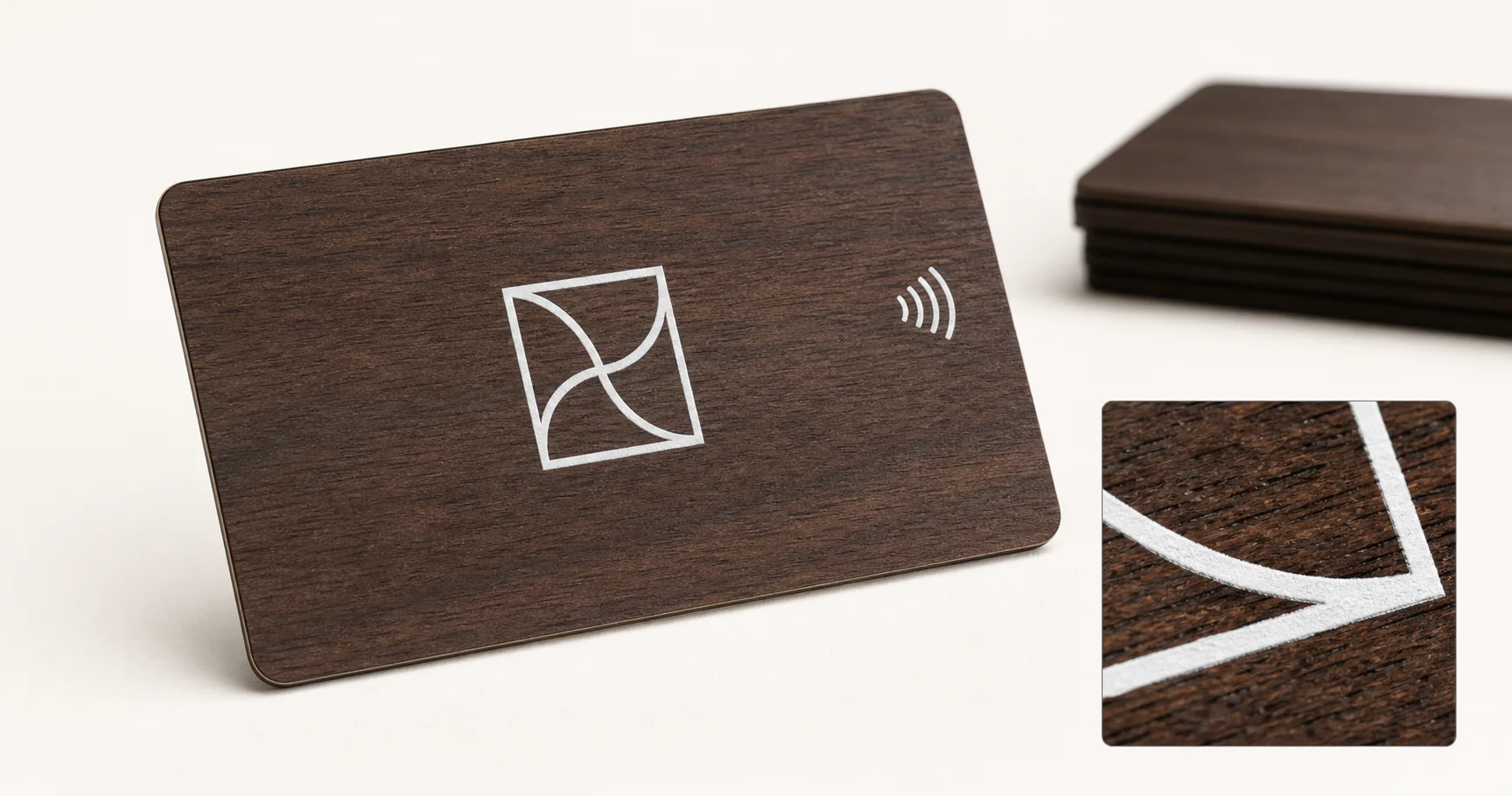
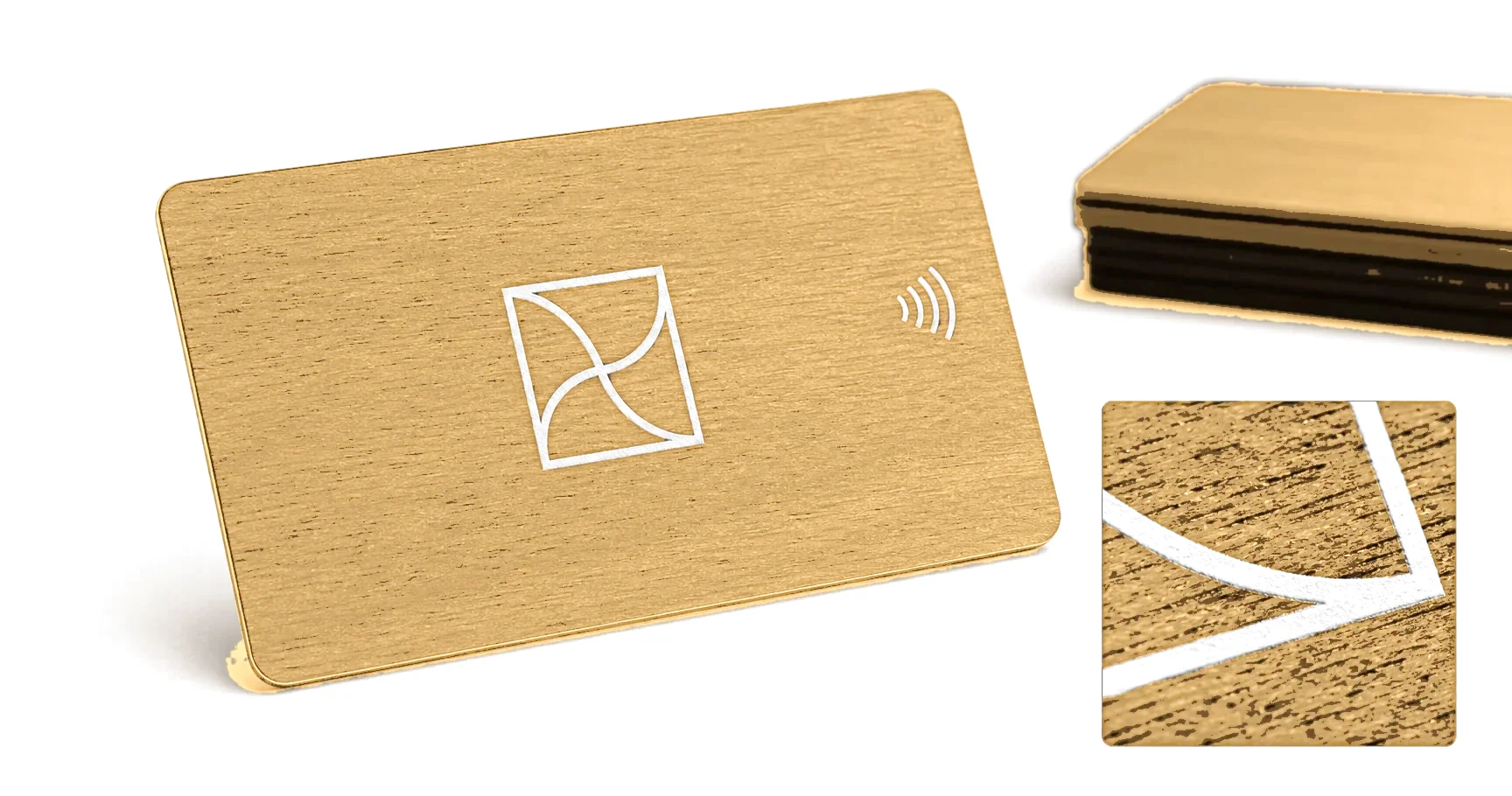
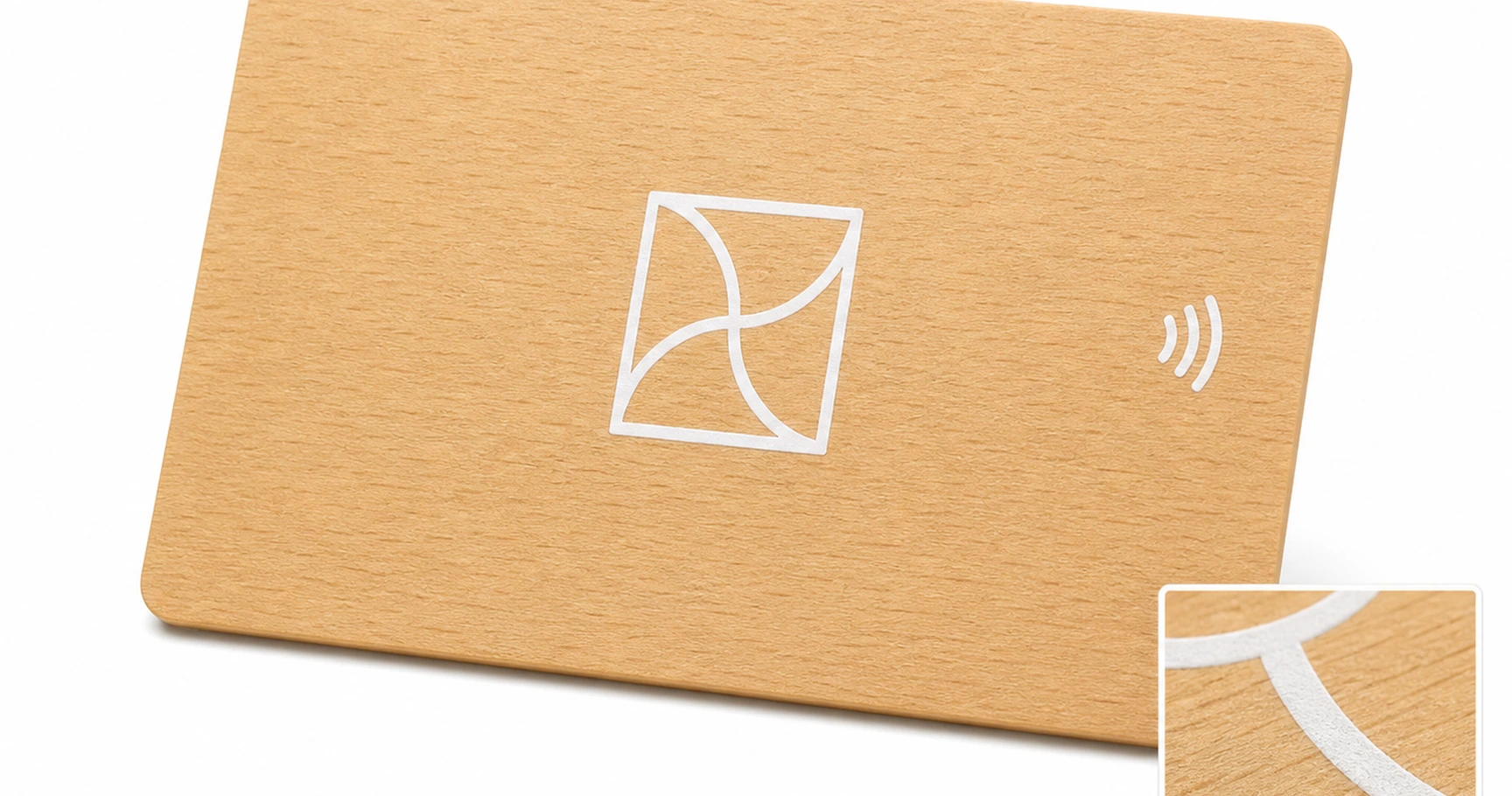
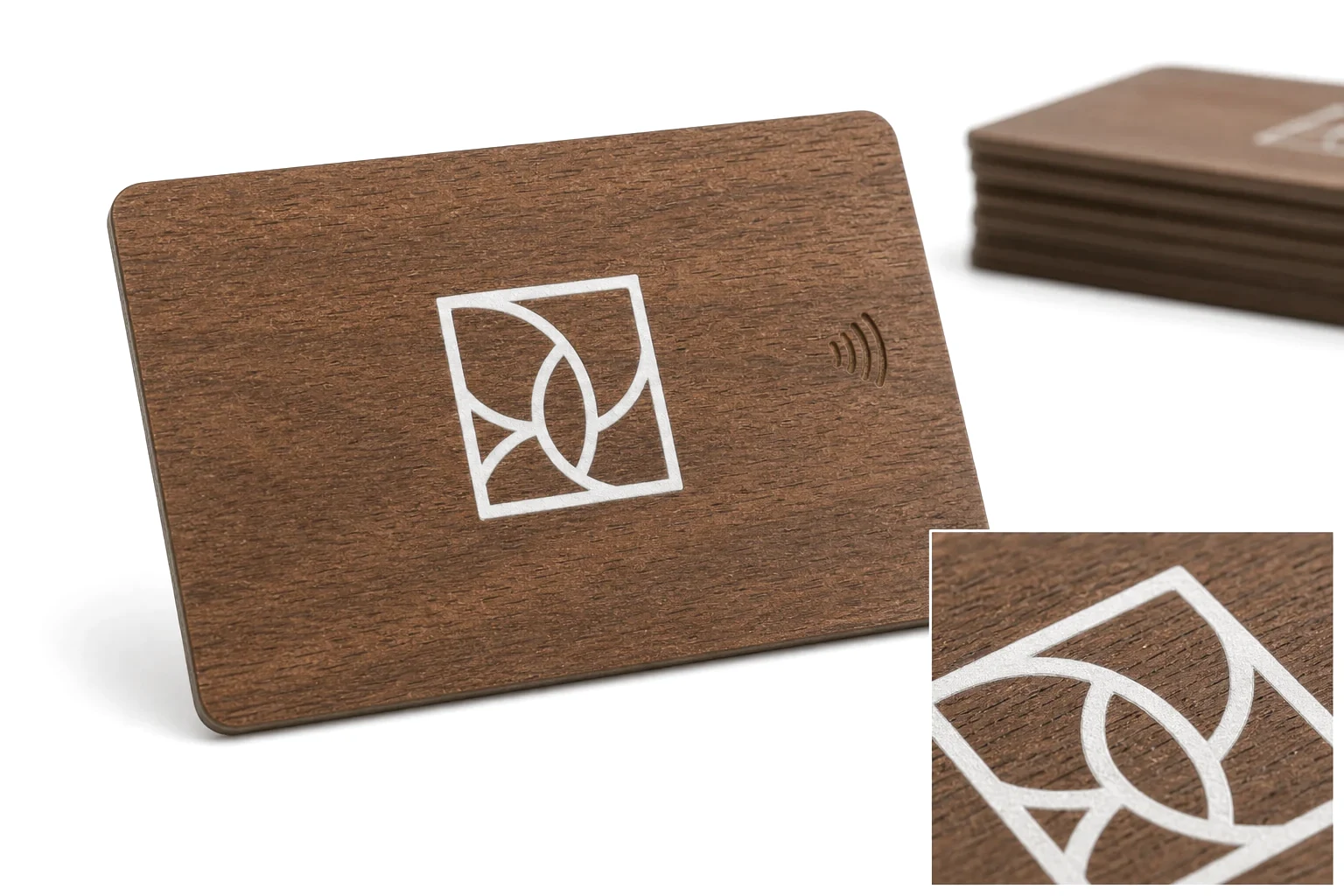
White ink makes dark wood practical.
Without white ink, black or dark brown grain can reduce logo and data readability. Opaque white gives the card contrast while keeping the design restrained.
Use white as a precision layer.
White ink is strongest for small logos, names, QR boxes, icons, and data fields. Large white panels can make the card feel less like real wood.
Opacity is what makes white ink work on dark wood.
A single pass of white can look grey over walnut or black wood; a properly built opaque layer reads as clean, solid white. Opacity, edge sharpness, and how the white sits in the grain should all be checked on the actual wood before the run is approved.
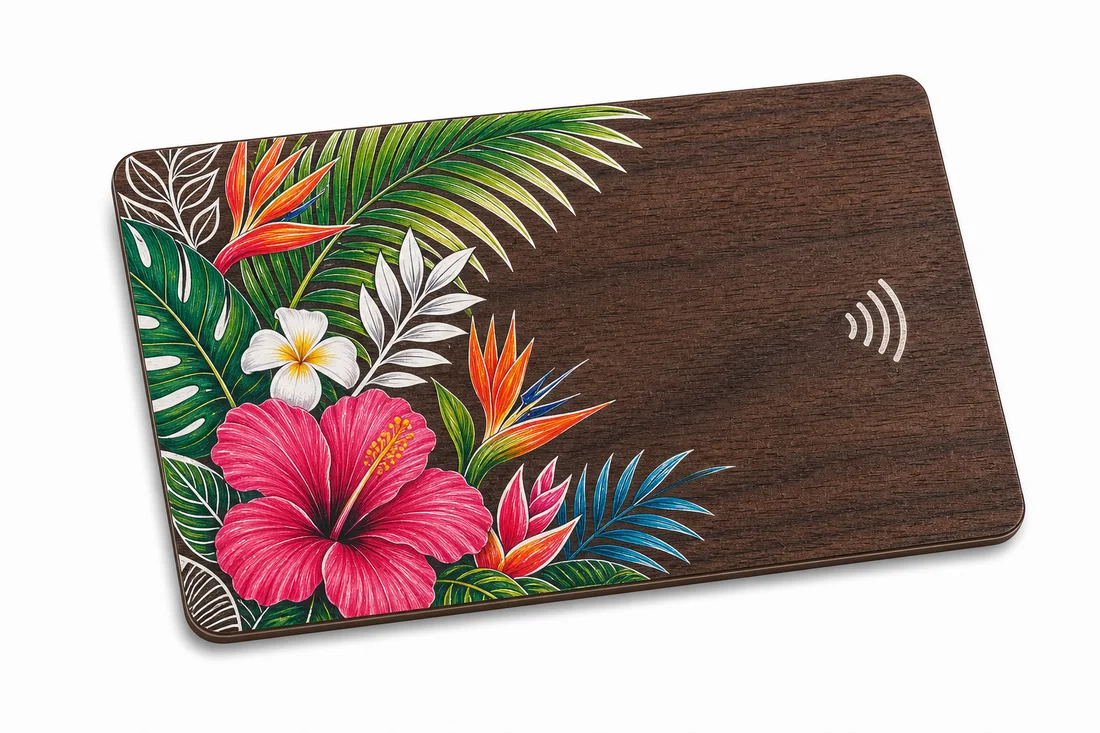
White ink is also the base for color on dark wood.
Beyond standalone logos and text, a white underbase lets CMYK color print accurately on dark grain. If a walnut or black-wood card needs both a crisp white mark and full-color artwork, the white layer is planned once and shared across both.
Best uses
- Dark wood NFC business cards
- Private club membership cards
- Readable QR and serial zones
- Minimal premium branding
Frequently asked questions
Why is white ink needed on dark wood?
Dark grain swallows normal print. A properly built opaque white layer makes logos, QR zones, and serials read cleanly — checked for opacity and edge sharpness on the actual wood.
Is white ink only for logos and text?
No — it is also the underbase that lets full CMYK color print accurately on dark grain. One planned white layer can serve both.
Does white ink make the card look like plastic?
Not when used as a precision layer for small marks and data fields. Large white panels are avoided because they hide the material.
Specification
| Card size | CR80 and custom dimensions by drawing |
|---|---|
| Card body | Plastic-free, FSC-certified wood body options |
| Thickness | 0.80 mm to 2.0 mm by wood species and chip |
| Minimum order | None — single samples to production runs |
| Production time | About one week after artwork and sample approval |
| RF planning | Chip, antenna, thickness, and finish approved together |
| Approval route | Material sample, working RF sample, production proof |
| Best surfaces | Walnut, black wood, dark sapele, stained wood |
| Use cases | Logo, text, QR, NFC mark, serial, member name |
| Approval need | Opacity and edge sharpness sample |
Related wood RFID card pages
- Laser Engraved Wood RFID Cards
- UV Printed Wood RFID Cards
- Foil Wood RFID Cards
- Spot UV Wood Cards
- QR and Serial Wood RFID Cards
- Wood Card Edge Finishing
- Wood RFID Card Artwork Specs