(02) — Blog
Choose the friction the membership will remove.
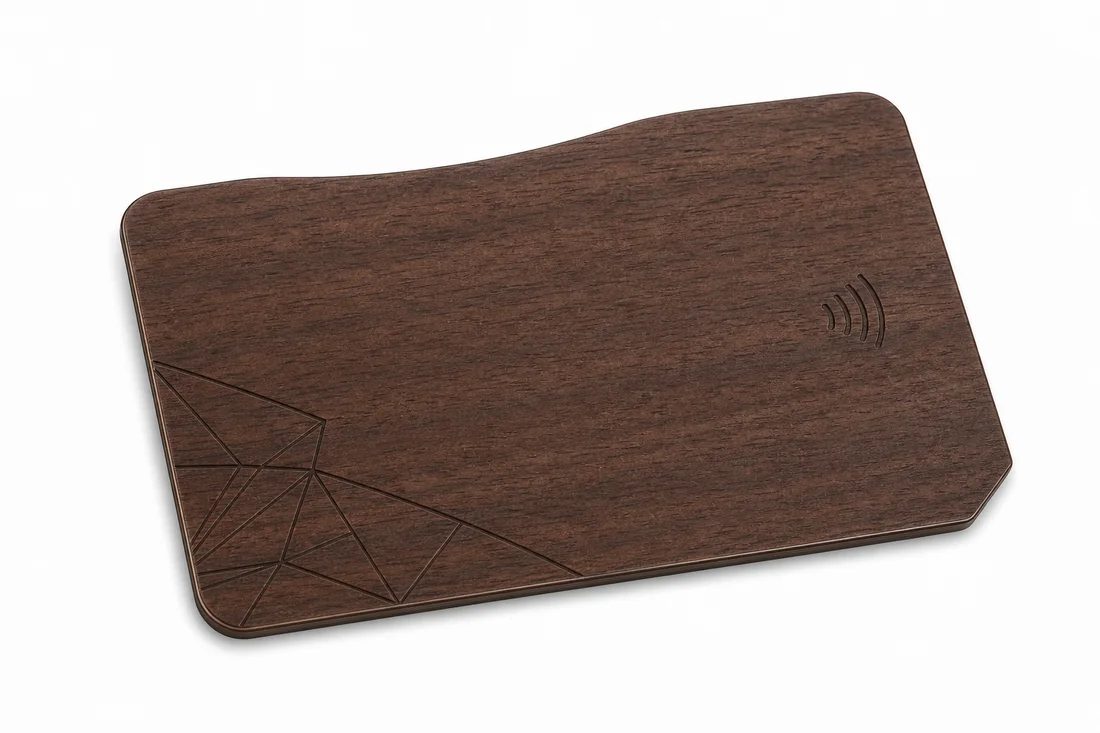
Repeat clients may value a shorter booking route, saved preferences, a defined delivery area, a priority collection desk, or access to a curated vehicle category. Write those operating rules before creating a tier name. The wooden card should point to benefits the business can deliver consistently; it should not promise availability, upgrades, mileage, insurance terms, or vehicle choice beyond the live rental agreement. Clear scope makes the physical object feel trustworthy rather than theatrical.
(03) — Blog
Use wood to signal hospitality, not vehicle hardware.
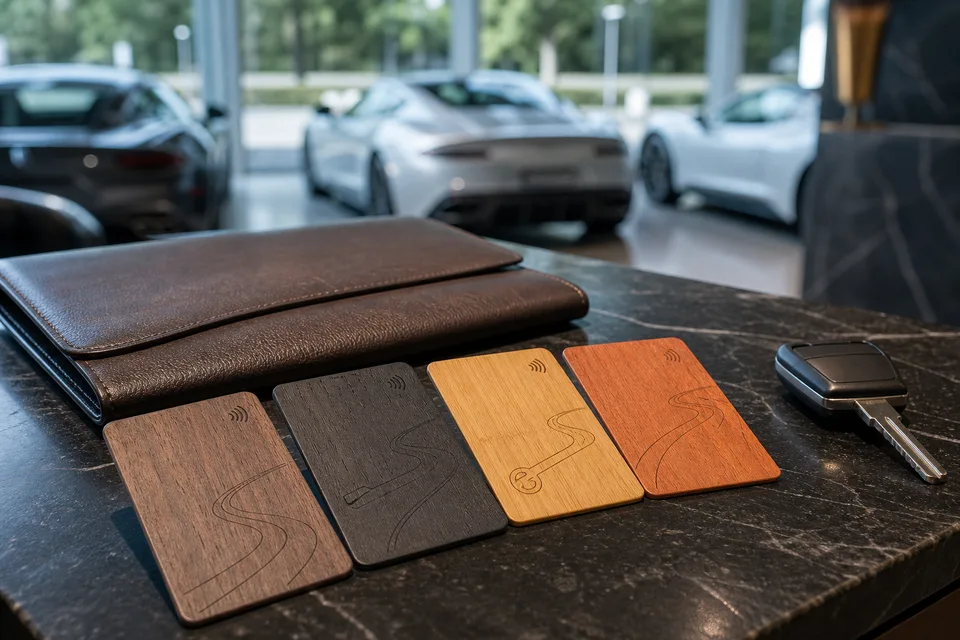
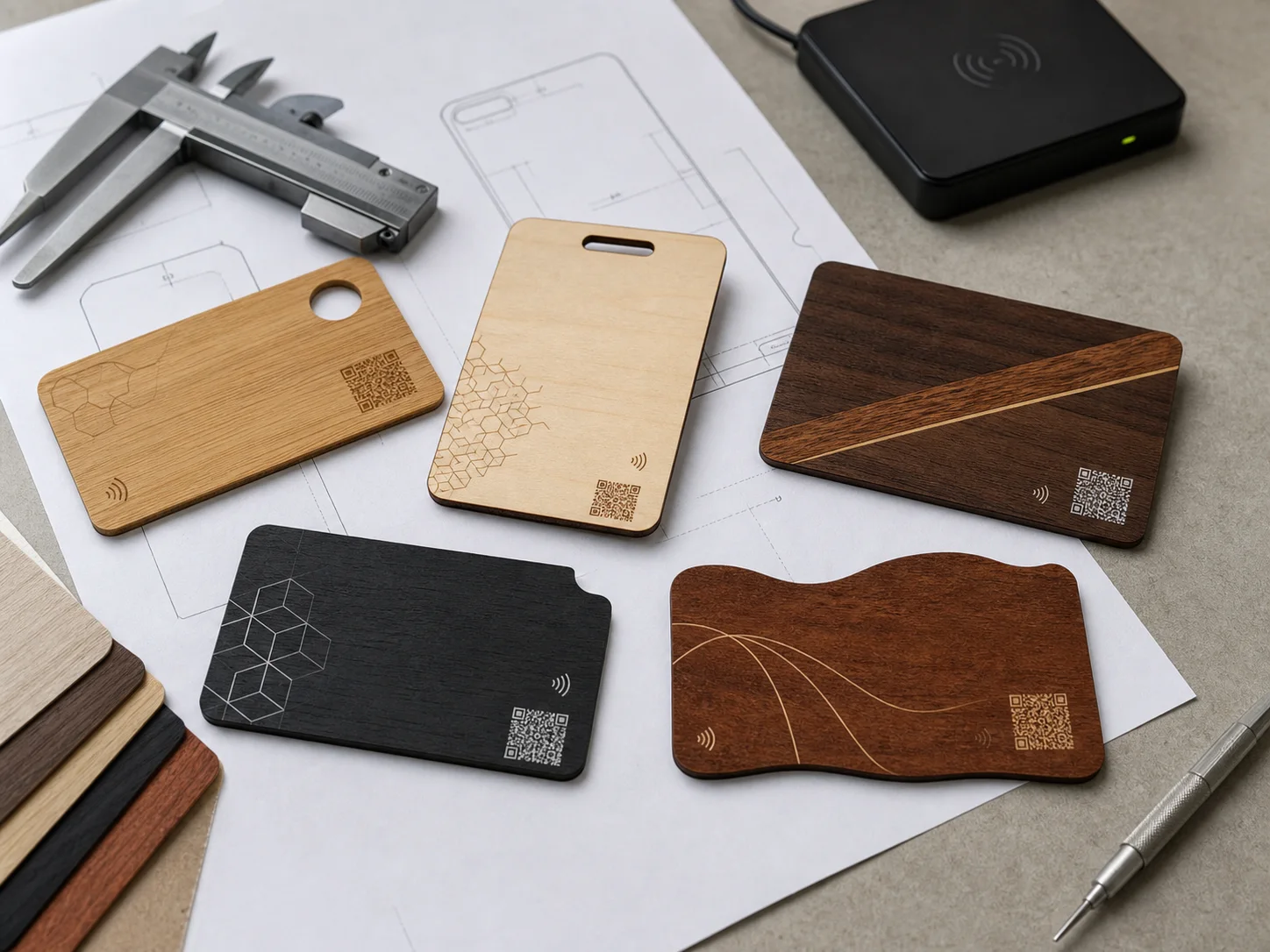
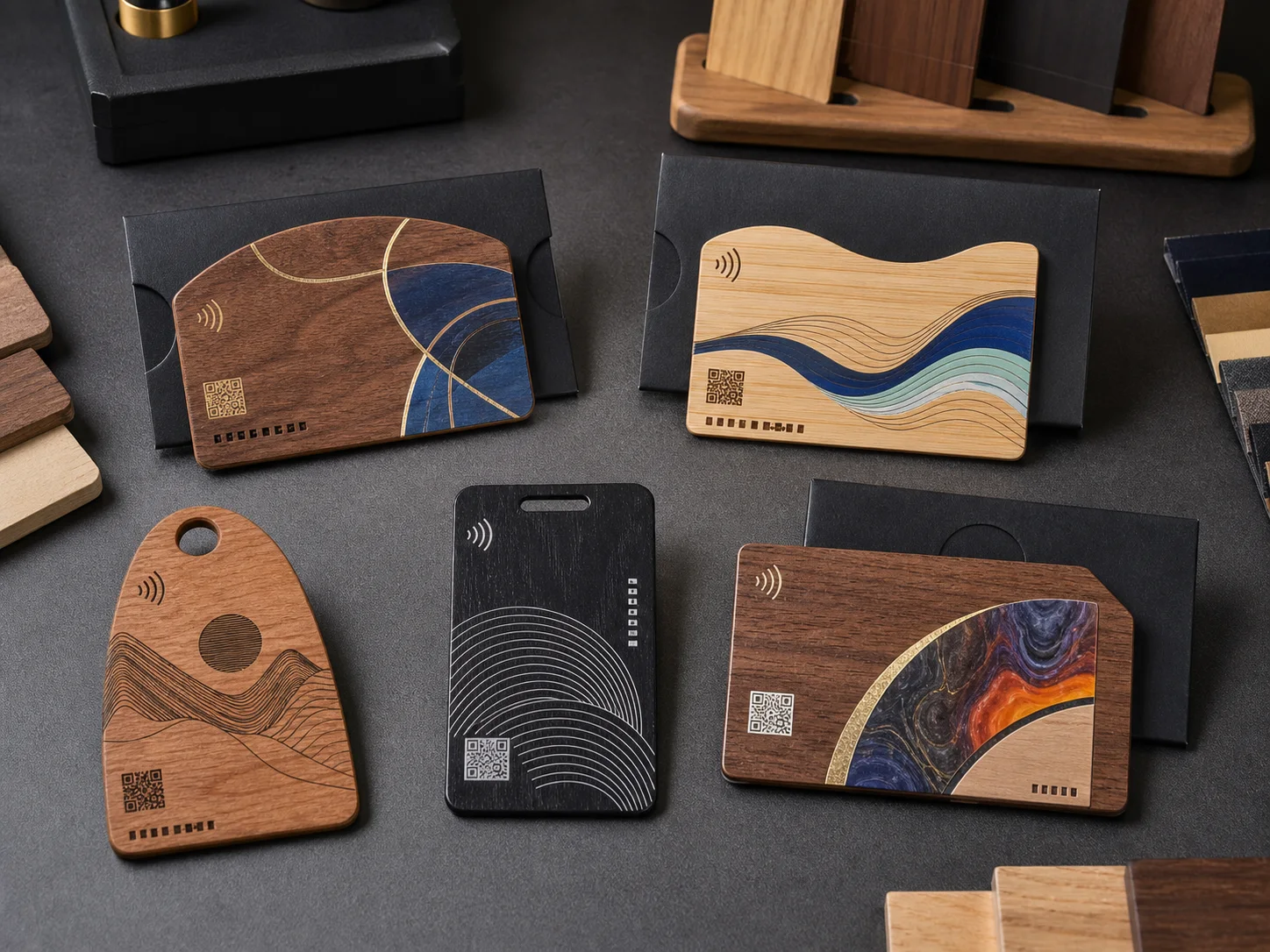
Walnut and sapele suit a warm private-club direction; birch or bamboo can feel lighter and more contemporary; black wood supports high-contrast minimalist programs. Keep the design distinct from a key fob, bank card, or manufacturer key. A member name, level, number, and controlled tap mark are sufficient. The natural grain gives each piece individuality, so approve a visual range and place variable data where it remains legible across that range.
(04) — Blog
Keep rental history and preferences in the platform.
The card may link to a profile, but personal details, driving documents, rental history, and service notes belong in the authenticated rental system. NFC or QR can open a login, booking request, or concierge contact without storing sensitive data openly. Decide how consent, updates, and account closure are handled. If benefits change, the live profile should update while the wooden card remains stable, avoiding unnecessary replacement simply because program terms evolved.
(05) — Blog
Design collection and fallback as one flow.
At collection, staff need a fast method to verify the member, locate the booking, and confirm current eligibility. A tap or scan should not become the only route. Plan staffed lookup, network failure, unreadable code, lost card, and phone incompatibility before launch. Test the finished wooden card under the lighting and handling conditions used at hotels, airports, collection lounges, and delivery points. The process should remain calm even when the technology does not respond on the first attempt.
(06) — Blog
Issue the card after the operational details are true.
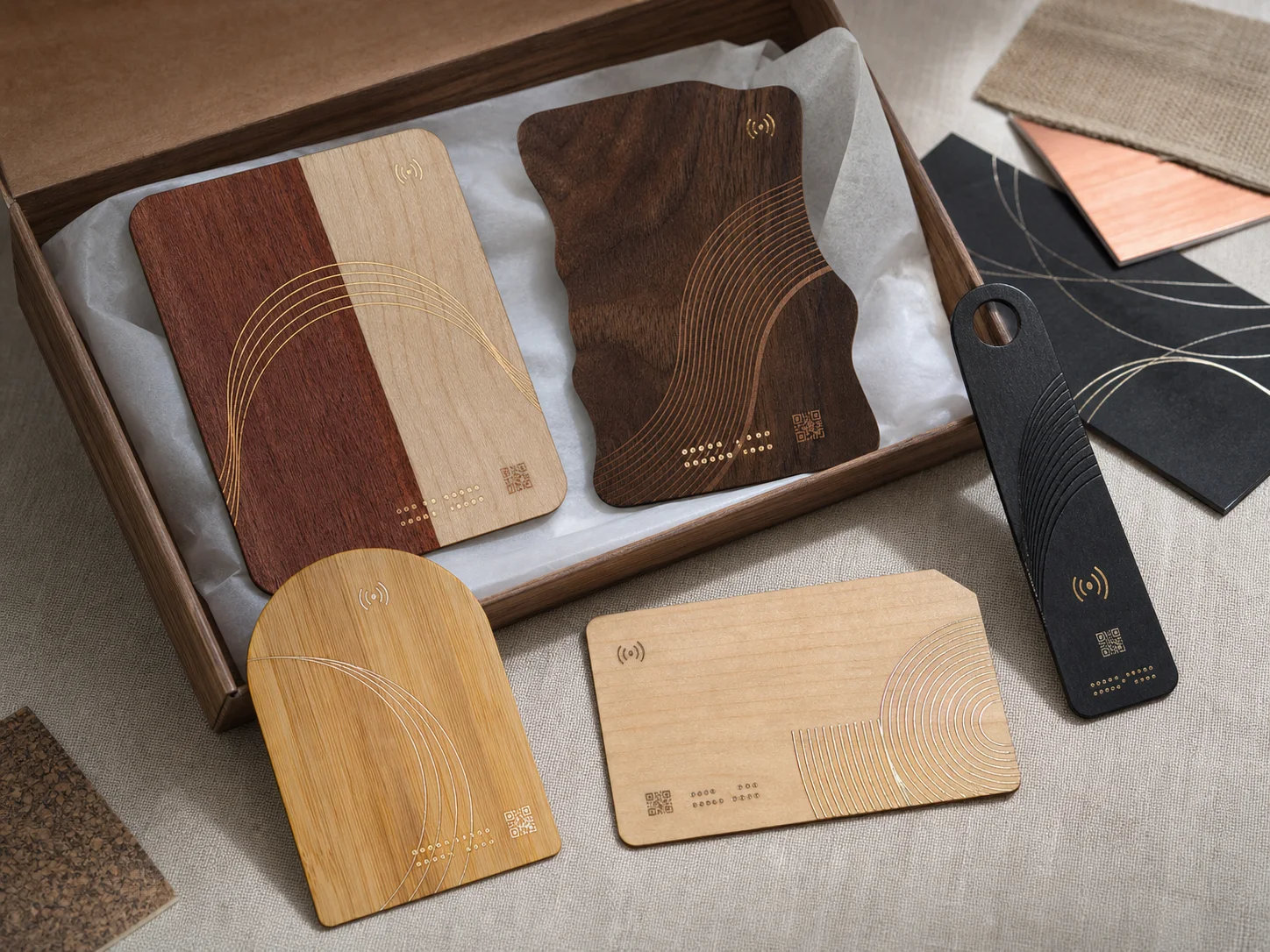
Match the member name, level, visible serial, NFC or QR payload, internal record, sleeve, and welcome note from one controlled file. Explain what the card does, how to use it, how to request replacement, and what it does not do. A small fitted presentation can reinforce the material without adding wasteful layers. If the membership ends, disable active digital routes or credentials while deciding whether the client may keep the physical card as an inactive memento.